New facilities & extensions
- Buildings, data halls and support areas
- Structures, envelope and external packages
- Phased workfront and area readiness

Project setup, team training and delivery support for subcontractors working on data centre construction, fit out and upgrade packages.
Site Manager Pro setup and delivery controls configured around your agreed work package, project locations and programme.
Configure locations by building, hall, technical area, system and work stage. Keep the package boundaries and responsible reviewers clear from the start.
Connect installation progress, agreed QA, photographs and specialist-supplied test documents. Record prerequisites and review decisions in line with the project team’s approved procedures.
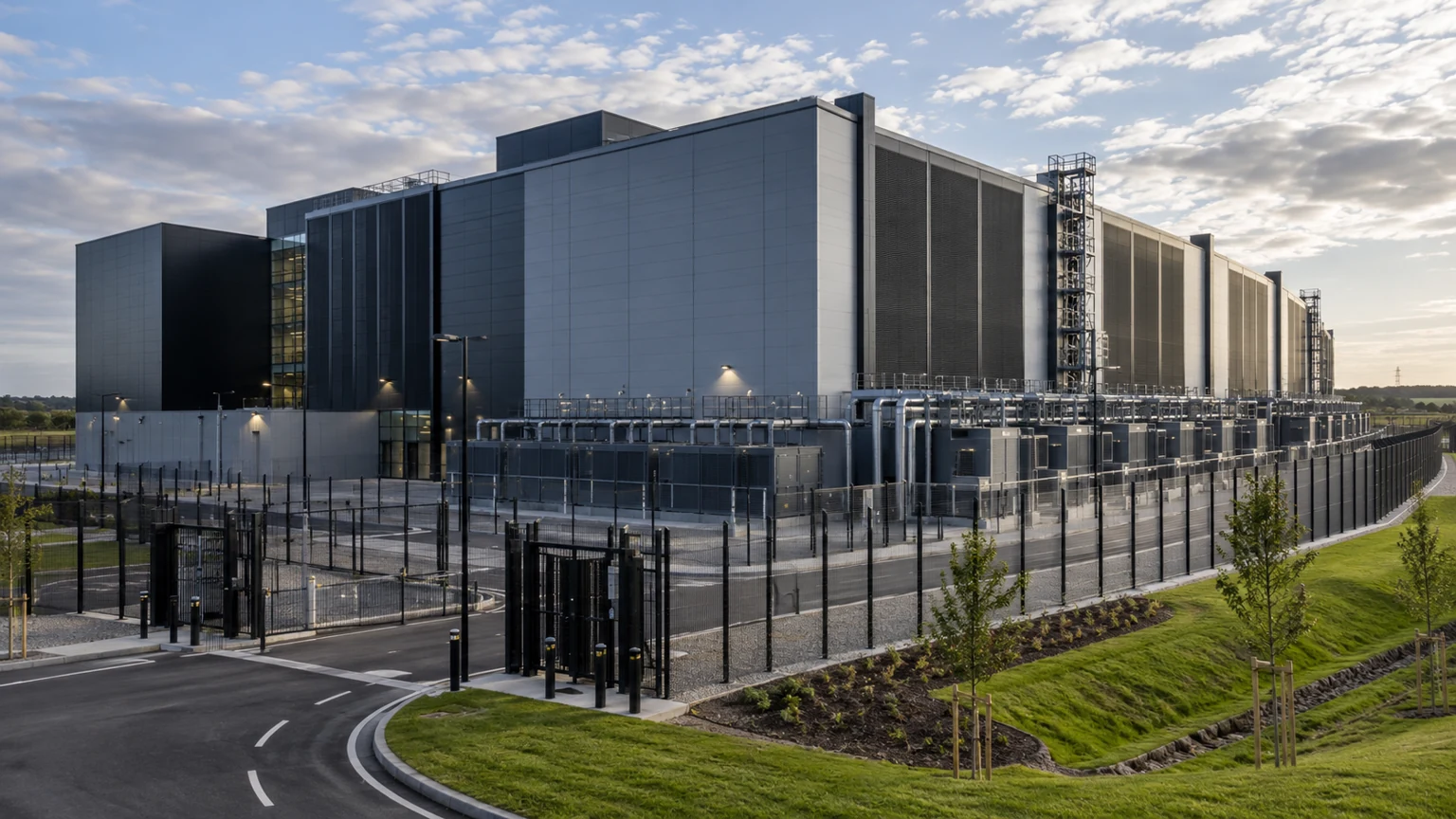
Your team supplies the scope, specification and technical checks; we configure the agreed locations, work stages, evidence and review responsibilities in Site Manager Pro.
Facility → building or hall → area or system → package → stage. Agree the location references, dependencies and review route with the project team.
Capture the contractor’s specified checks and installation evidence. Link supplied test and commissioning records to the relevant system and location.
Record the appointed team’s review decisions, held work and outstanding actions. Keep accepted records ready for the agreed stage review and handover.
Bookings, QA evidence, approvals and payroll exports.